 SG
SG  VN
VN 

Online Tuition Setup: 6 Tips for a Focused Home Study Space
Why a Dedicated Study Space Is Critical for Online Tuition
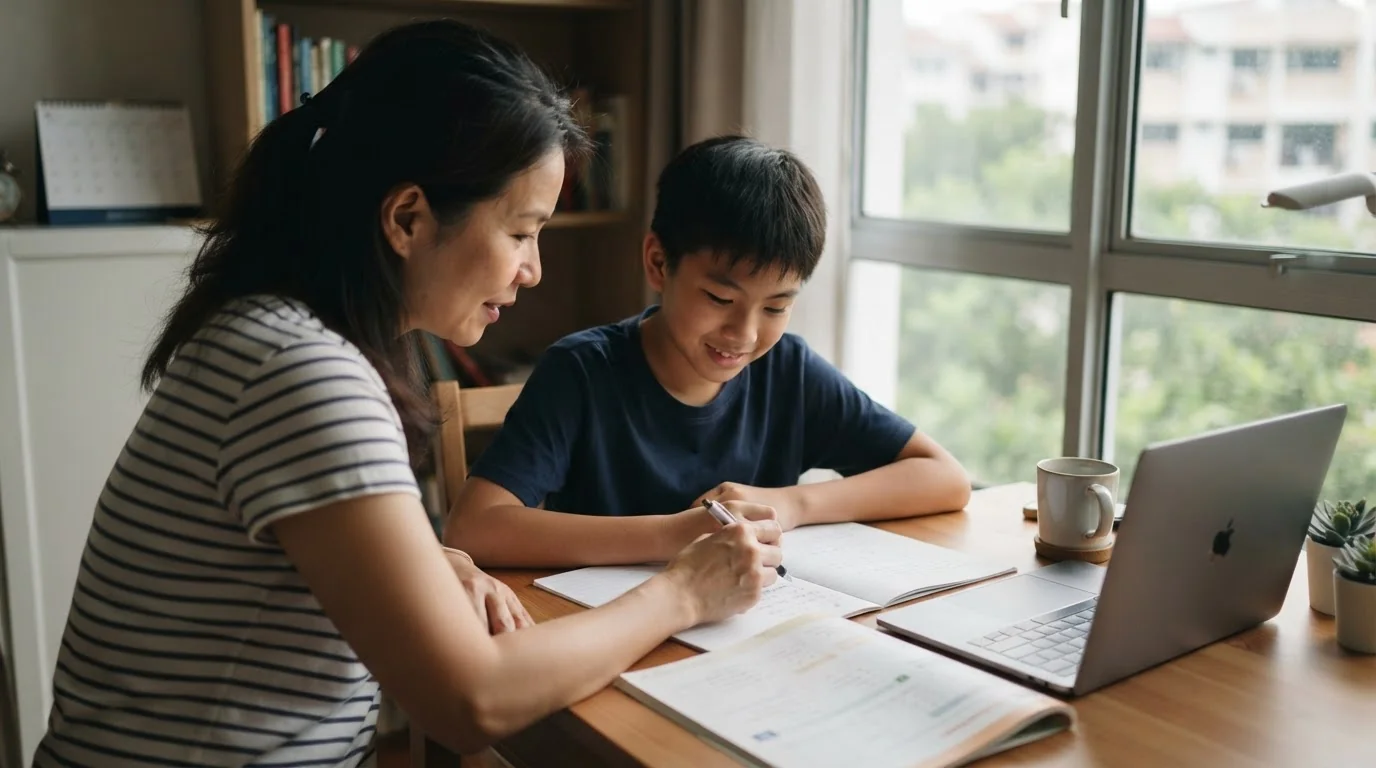
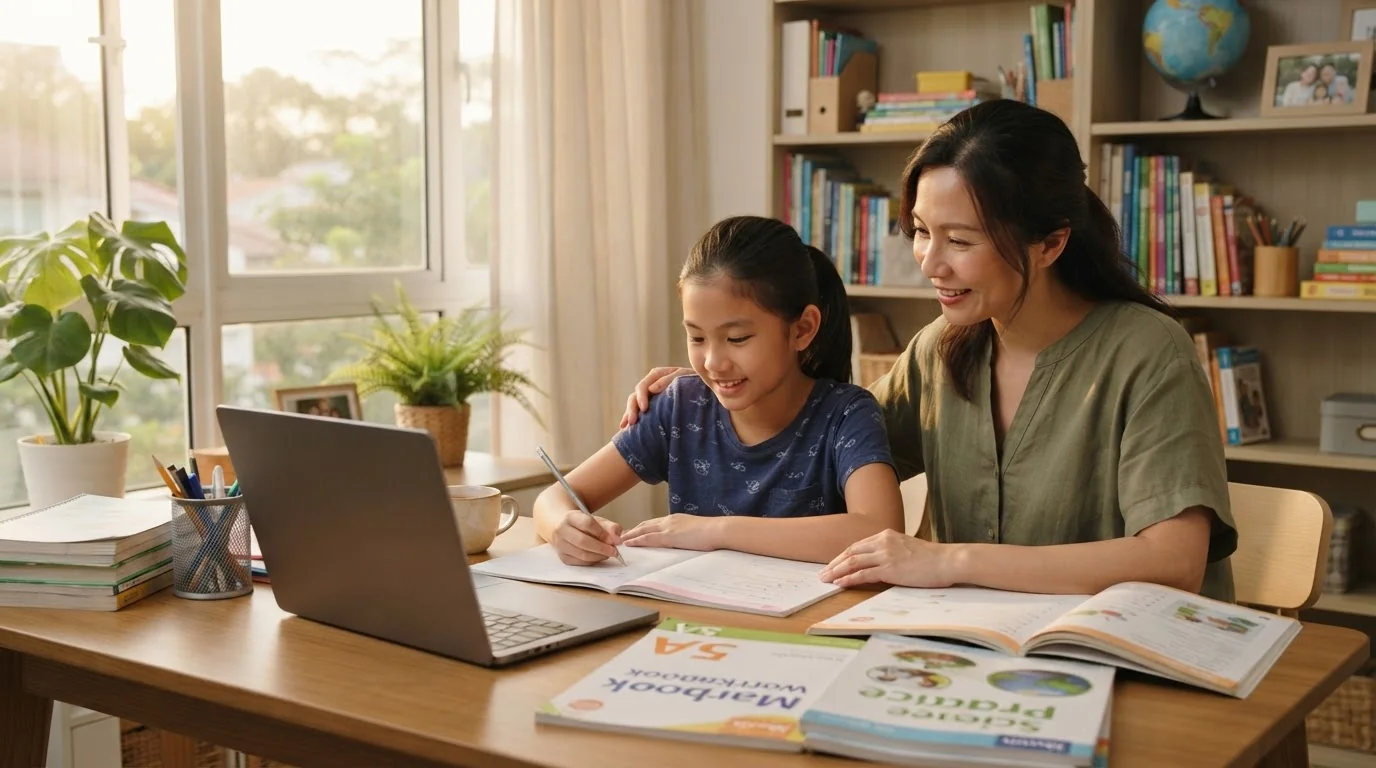
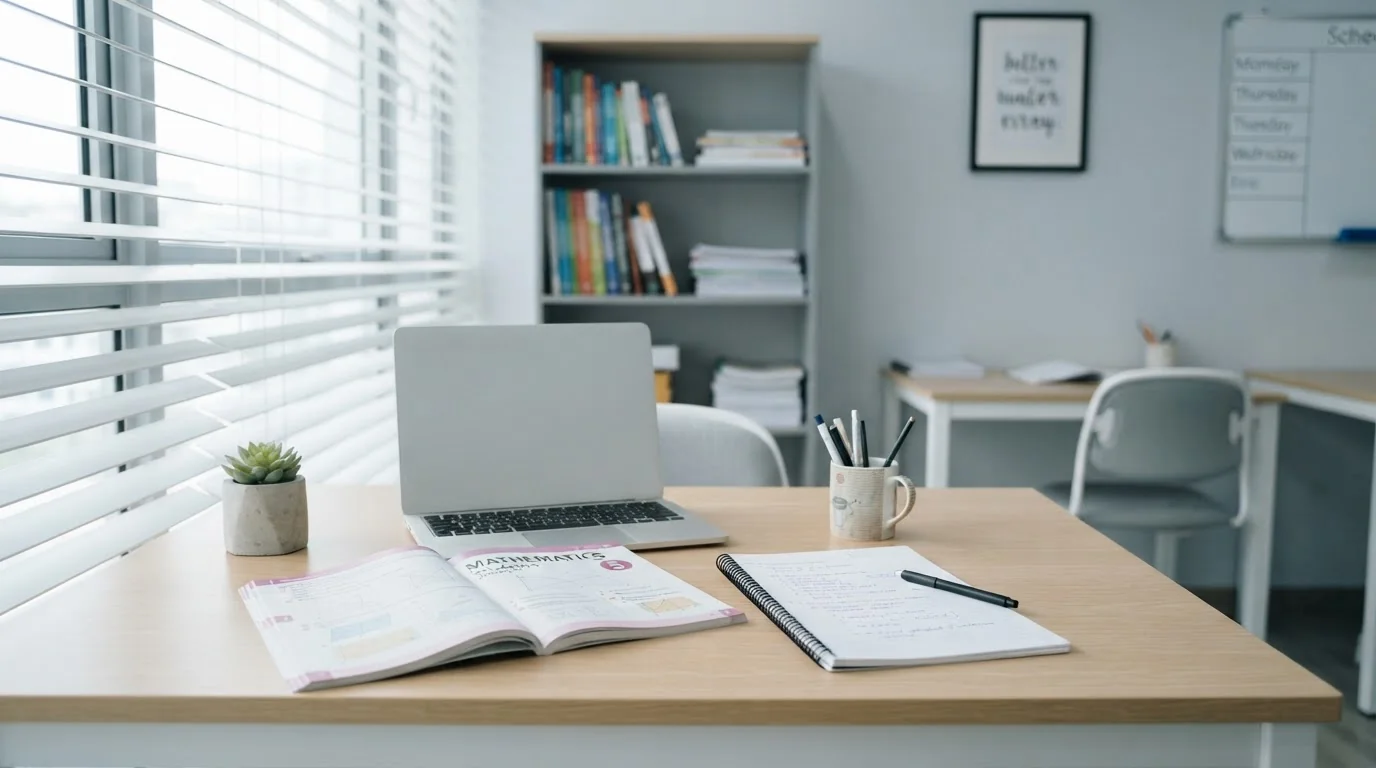
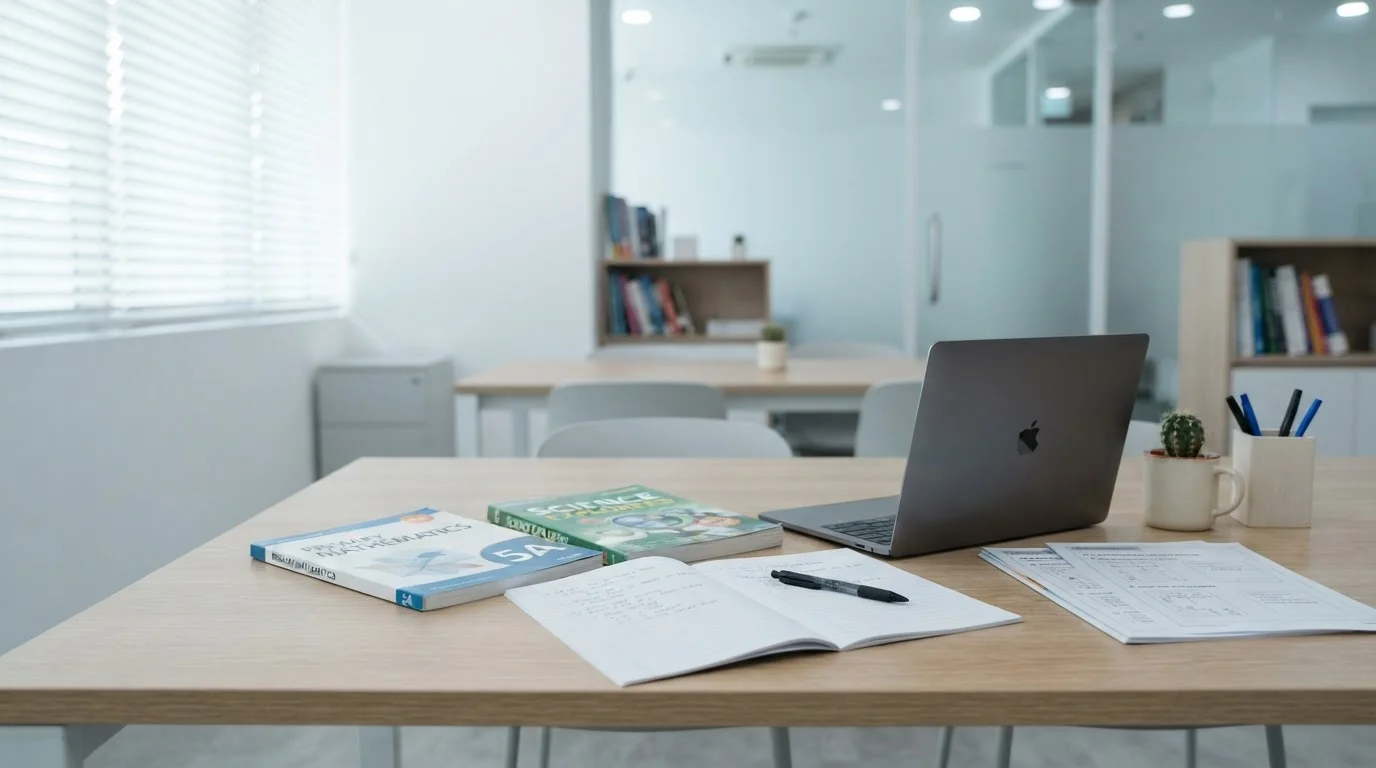
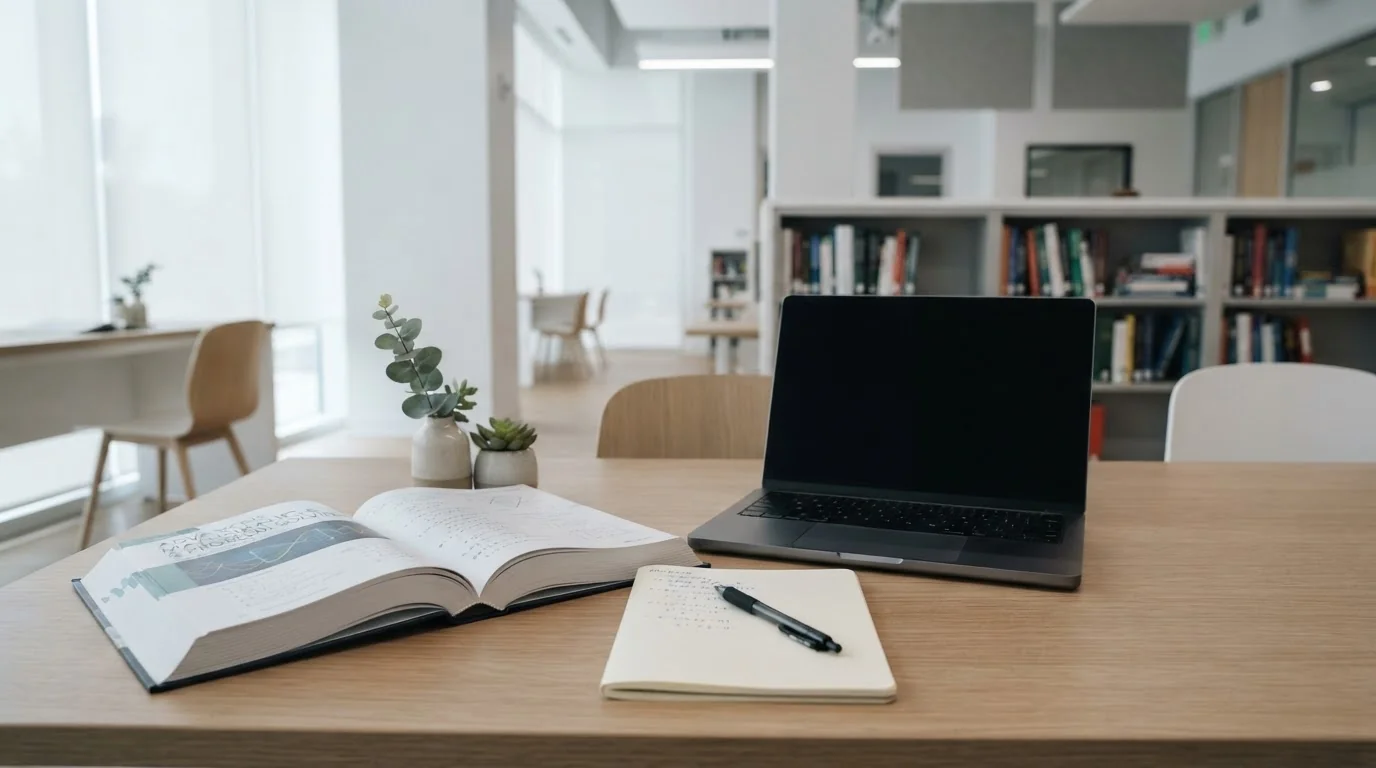
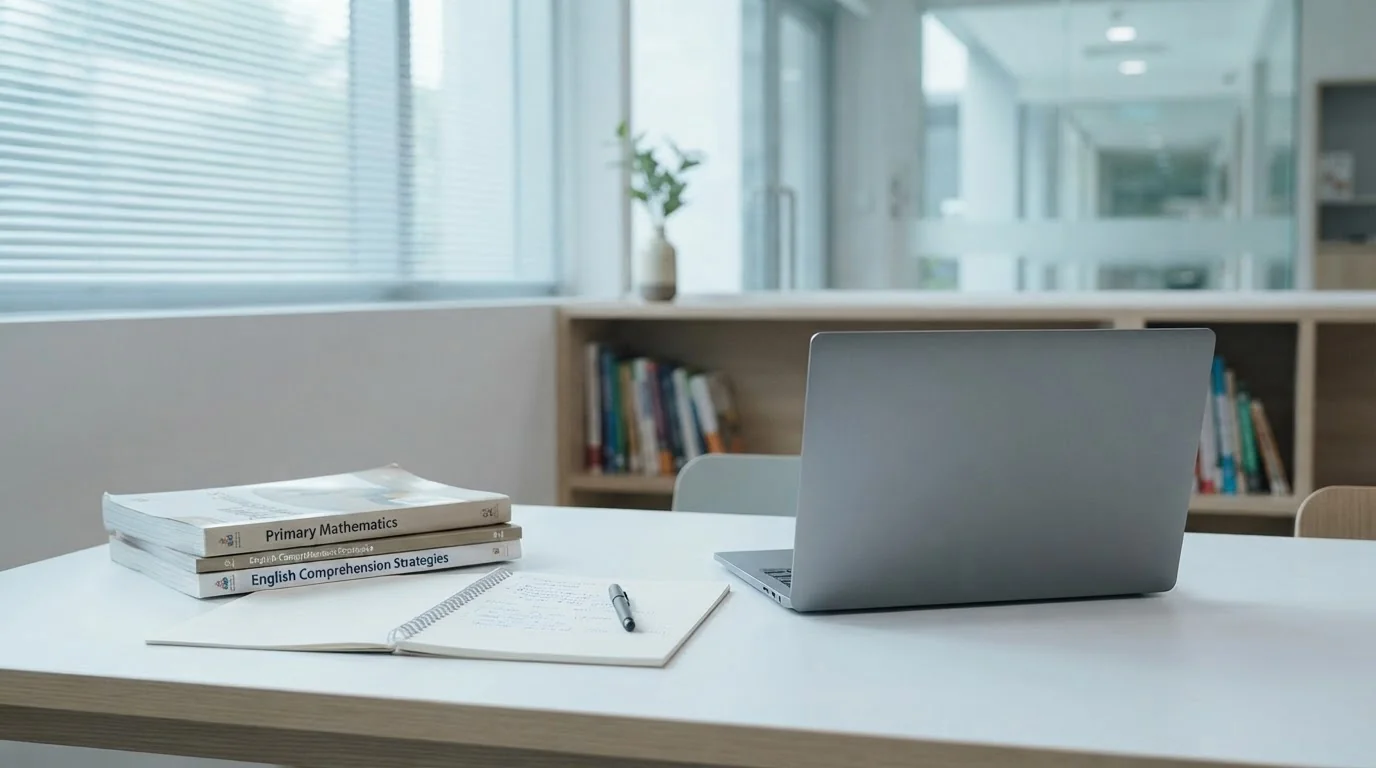
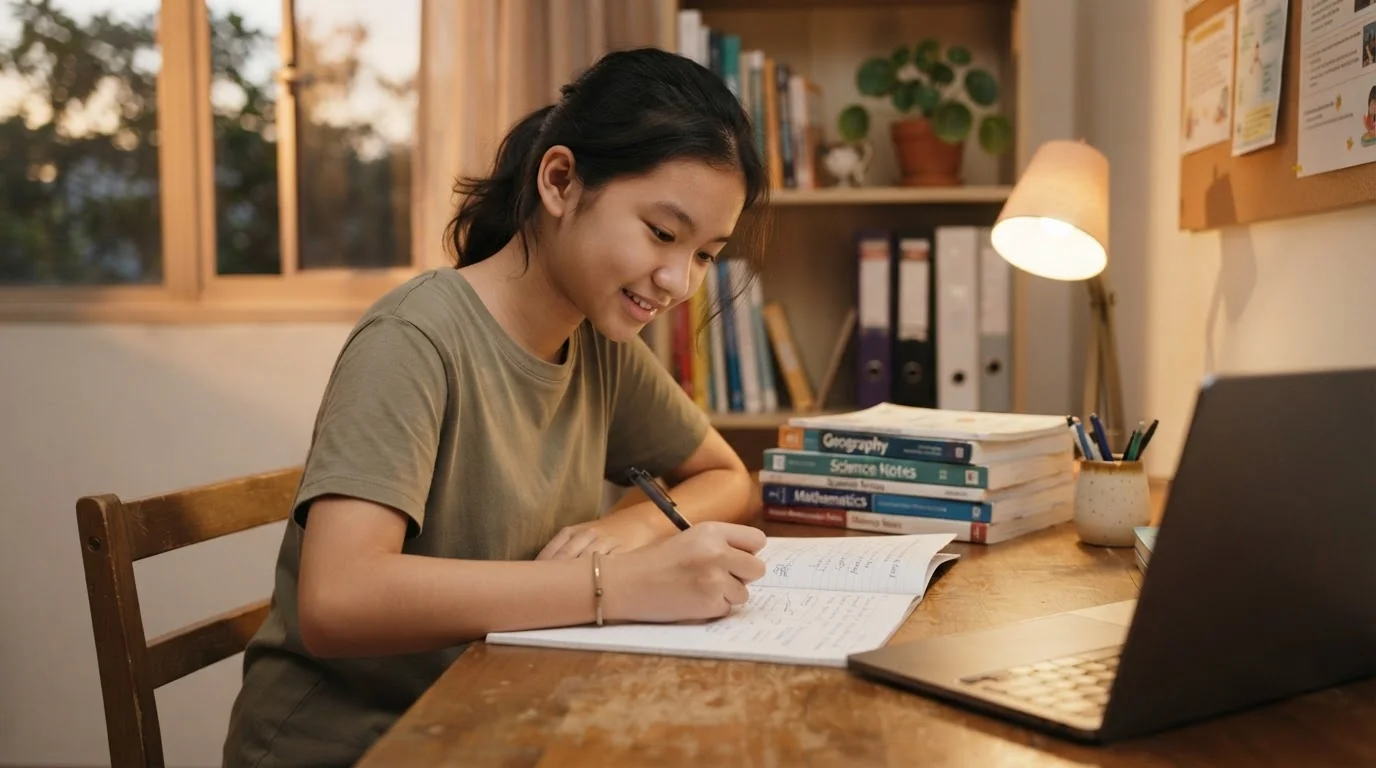
A productive setup for online tuition is about creating a mental launchpad for learning. For a primary school student, moving to a specific spot for their session signals a shift in focus, similar to walking into a classroom. In our compact HDB homes, this doesn't require a separate room. A quiet corner of the living room or bedroom, used consistently for e-tutoring, can be just as effective.
Since online learning platforms like school-provided learning portals and other tutoring services online became staples, we’ve seen that the environment is as crucial as the technology. An interruption isn't just a minor annoyance. Research shows it can take over 20 minutes to regain deep focus. Creating a dedicated space is your first line of defence against that lost learning time.
1. Nail the Ergonomics for Comfort and Focus
An uncomfortable child is a distracted child. Proper ergonomics are not just for adults in an office. They are fundamental for helping a young student endure a lesson without fidgeting.
- Chair and Desk Height: Your child’s feet should be flat on the floor, with their knees at a 90-degree angle. Their elbows should also rest at roughly a 90-degree angle on the desk. If their feet don't reach, a small stool or a stack of old books works wonders.
- Screen Placement: The screen should be about an arm's length away to prevent eye strain. The top of the screen should be at or just below eye level.
- Good Lighting: Natural light is ideal. If that's not possible, a desk lamp that illuminates the workspace without creating glare on the screen is essential for alertness.
2. Aggressively Eliminate Distractions
The biggest enemy of effective online tuition for students is the constant pull of household and digital distractions. Your goal is to create a protective bubble around the learning session.
- Physical Distractions: Set up the study area away from high-traffic zones like the kitchen or entryway. Face the desk towards a wall to minimise visual noise. It’s also important to have a conversation with the rest of the family about respecting “quiet time” during lessons.
- Digital Distractions: Before the session, close all unnecessary browser tabs. Silence notifications on the computer, tablets and any nearby phones. For older children who get easily sidetracked, apps like Forest or StayFocusd can help lock down distracting websites.
3. Create a Pre-Class 'Launch Sequence'
Disruptions often happen in the first 5 minutes of a lesson because of poor preparation. A simple routine can prevent this.
About 10 minutes before the live tutor online session begins, have your child run through a checklist:
- Go to the toilet.
- Fill up their water bottle.
- Log into the learning platform (e.g. Geniebook).
- Check that their audio and video are working.
- Lay out their stationery and any required materials.
This 'launch sequence' ensures they are settled and ready to learn the moment the class starts.
4. Personalise the Space (Within Limits)
Allowing your child to personalise their study corner gives them a sense of ownership, making it a more inviting place. A small plant can improve air quality and a motivational quote can be encouraging. You could also paint the wall in a calming colour like a soft blue or green.
However, I've seen some parents go too far. The space should be a workspace, not a playroom. Keep toys, comics and distracting posters out of their immediate line of sight.
5. Plan for Breaks and Eye Care
Staring at a screen for an hour can be draining for anyone, especially a young child. Burnout is real. Integrating planned breaks is key to maintaining engagement.
Introduce the 20-20-20 rule: every 20 minutes, they should look at something 20 feet (about 6 metres) away for 20 seconds. This simple exercise helps reduce eye fatigue. For longer study periods, schedule a proper 5-minute break to stand up, stretch and step away from the desk completely.
6. Pair the Space With Tools for Personalised Learning
An optimised physical space works best when paired with the right digital tools. A great online tuition platform should do more than just replicate a physical classroom. It should leverage technology to enhance learning.
This is where the power of personalised learning comes in. For example, platforms like Geniebook use AI to identify a student’s specific weaknesses from their work. Instead of generic worksheets, they get targeted practice with GenieSmart to close learning gaps efficiently. Features like being able to re-watch a recorded lesson or ask a teacher a question anytime via GenieAsk complement the focused study environment you've created.
Ultimately, a well-designed study space is an investment in your child's educational journey. It empowers them to take full advantage of their online mathematics and science tutoring or English classes, turning potential distractions into focused success.
Frequently Asked Questions
How Can I Set Up a Good Study Space for Online Tuition in a Small HDB Flat?
A good study space for online tuition can be created in a small HDB flat by consistently using a quiet corner of a room, such as the living room or bedroom. This dedicated area signals a shift in focus for the student, similar to entering a classroom, and serves as a mental launchpad for learning during e-tutoring sessions.
What Is the Best Way to Reduce Distractions During My Child's E-Tutoring Session?
The best way to reduce distractions is to create a protective bubble around the learning session by managing both physical and digital interruptions. Physically, you can set the desk up away from high-traffic areas and facing a wall. Digitally, you should close all unnecessary browser tabs and silence notifications on the computer and any nearby devices before the lesson begins.
What Are the Most Important Things for a Comfortable Home Learning Environment?
The most important things for a comfortable home learning environment are proper ergonomics and good lighting to help a student focus without discomfort. Ensure your child’s feet are flat on the floor with knees at a 90-degree angle, and position the screen about an arm's length away to prevent eye strain. A desk lamp or natural light is also essential.
How Can I Stop My Child From Getting Eye Strain During Online Classes?
You can help prevent your child's eye strain by teaching them the 20-20-20 rule for screen use. This rule advises that for every 20 minutes spent looking at a screen, they should take a 20-second break to look at something about 20 feet away. For longer study periods involving online maths and science tutoring, schedule short 5-minute breaks for them to stand and stretch away from the desk.
What Should My Child Do to Prepare Before a Live Tutor Online Session Starts?
Your child should follow a simple 'launch sequence' about 10 minutes before their live tutor online session to ensure they are settled and ready to learn from the start. This routine should include going to the toilet, filling their water bottle, logging into the learning platform, checking that audio and video are working and laying out their stationery.