

Child Distracted in Online Lessons? 4 Fixes for Parents
Why Is My Child So Distracted During Online Lessons?
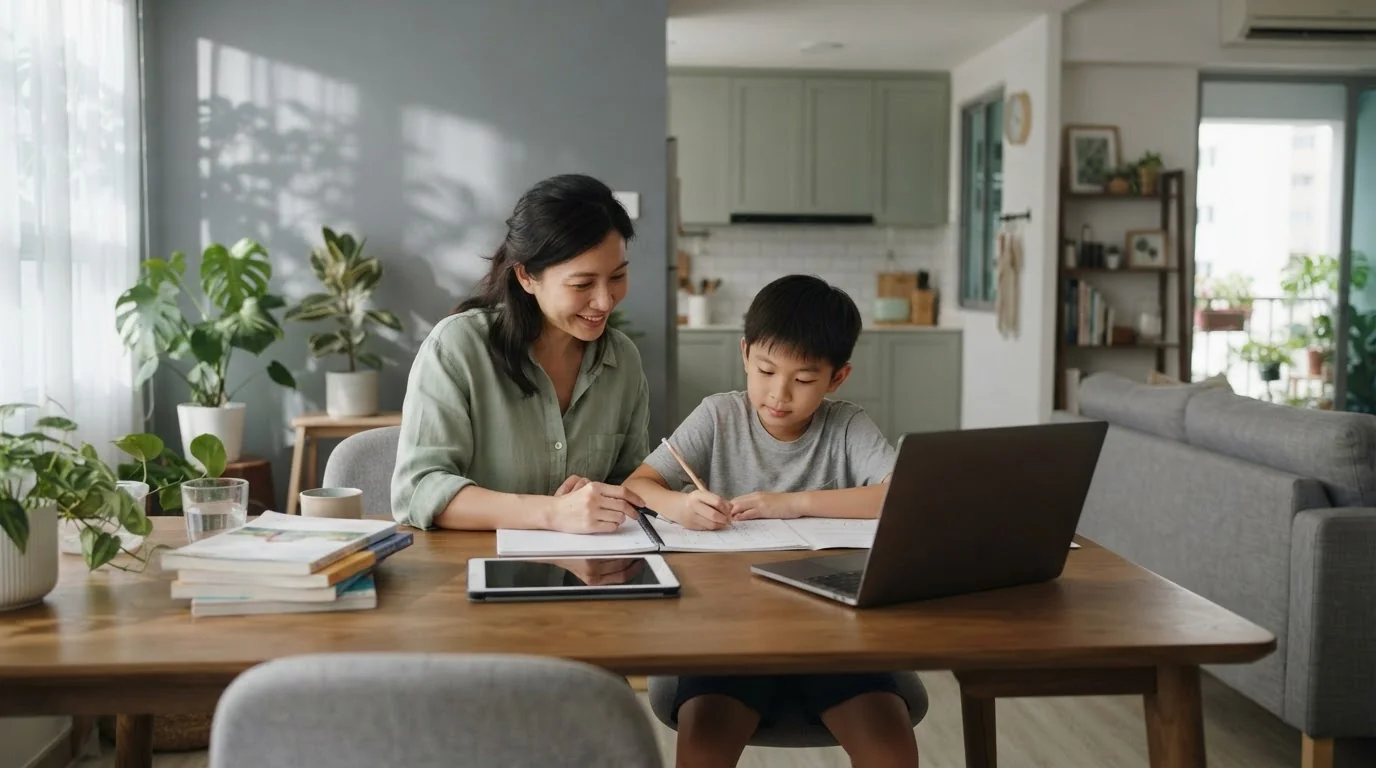
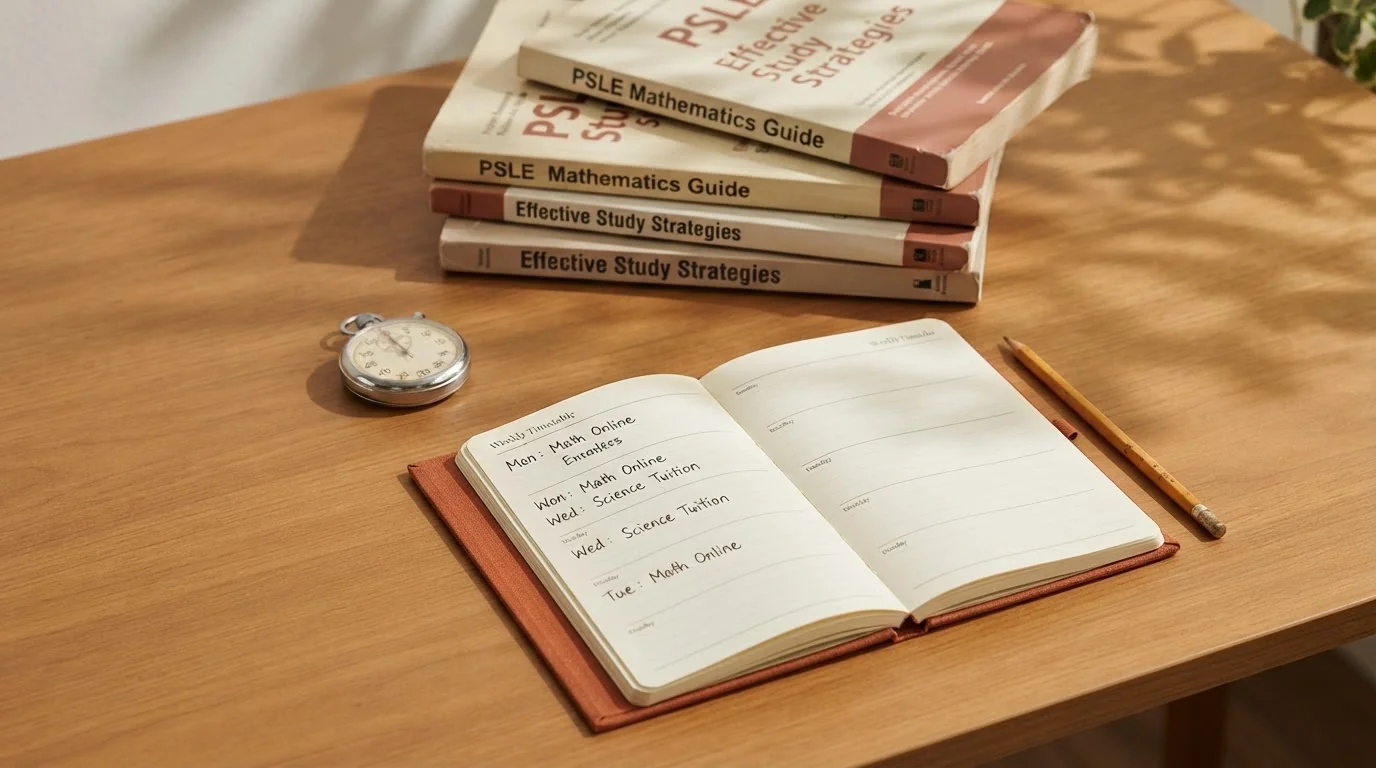
If you find your child watching YouTube instead of their live tutor online, you are not alone. The first step is to manage expectations. A typical 8-year-old has an effective attention span of only 16 to 40 minutes, which is often shorter than a standard online tuition session. The issue isn't that online classes are inherently more distracting than physical ones. The challenge lies in how the home learning environment is managed.
With laptops and tablets now a fixture in MOE's curriculum through the Singapore Student Learning Space (SLS) and personal learning devices, mastering the online environment is a critical skill. The home is filled with potential interruptions from toys to background noise. Combined with the ease of switching tabs, it creates a perfect storm for distraction. Here are four practical fixes that address the root causes.
Fix 1: Use Technology to Fight Distraction
Instead of just confiscating devices, use technology to create a focused digital workspace. Browser locks and site-blocking applications are a parent's first line of defence. These tools can be configured to allow access only to specific learning websites, like their school's SLS portal or their online tuition platform, for a set period.
- Site Blockers: Tools like Freedom or Cold Turkey can prevent access to distracting sites like YouTube, Roblox and social media during lesson times.
- Automated Schedulers: Some apps present a simple to-do list or schedule on the screen, serving as a constant visual reminder of the task at hand, even if your child tries to navigate away.
Fix 2: Set Up a Dual-Screen 'Learning Cockpit'
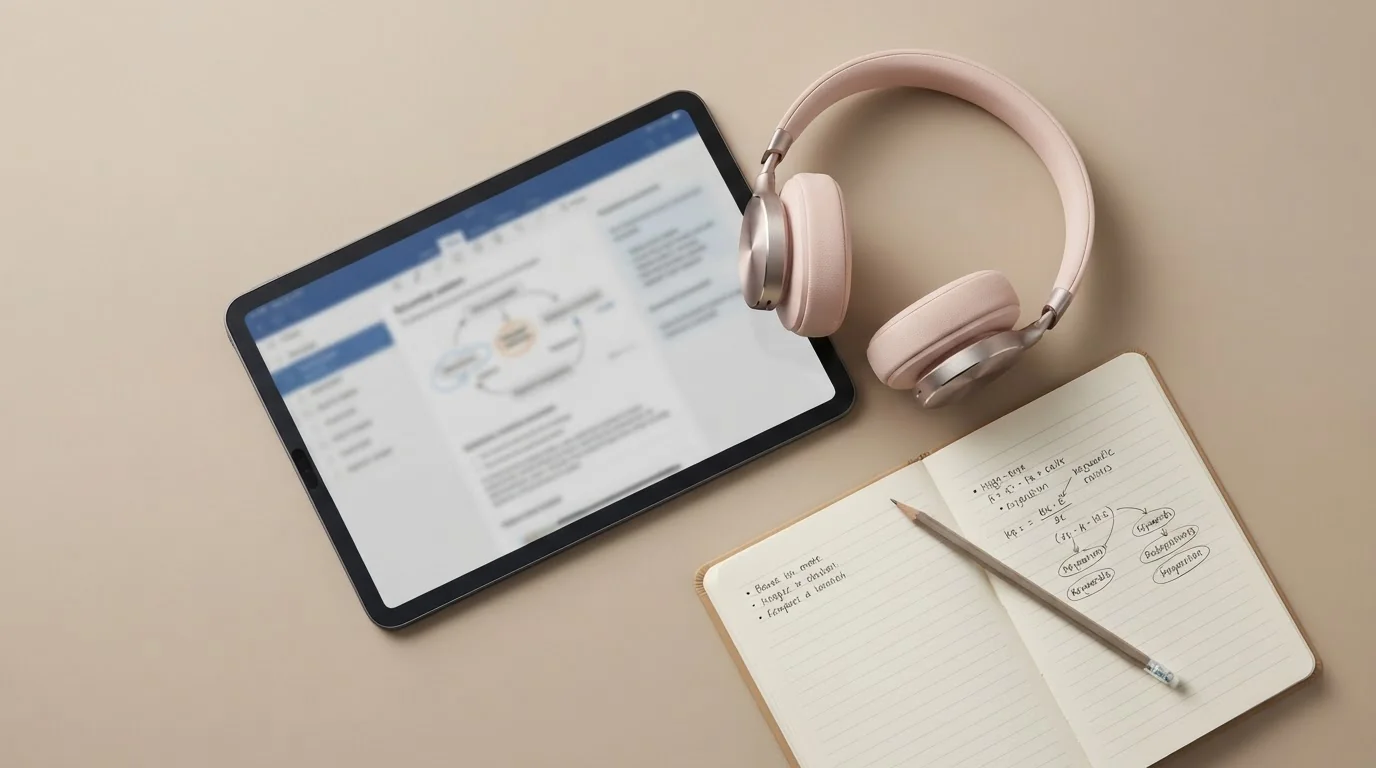
A major reason children switch tabs is to access notes, a digital whiteboard or other resources while the main lesson is running. This creates an opportunity for distraction. A simple dual-screen setup can solve this problem almost instantly.
Dedicate one screen exclusively for the video lesson. Use the second screen for all interactive tasks: taking notes in a document, using a digital whiteboard or viewing supplementary materials. This arrangement keeps all necessary learning tools visible and accessible, minimising the need to click away from the teacher. It transforms passive watching into active participation.
Fix 3: Choose an Online Tuition Platform With Built-In Engagement Tools
Not all tutoring services online are created equal. The best online tuition platforms are designed specifically to combat digital distraction and promote engagement. When evaluating an option, look beyond just video conferencing.
Effective platforms offer:
- Engagement Tracking: Some systems provide feedback to tutors and parents if a child has navigated away from the lesson window, allowing for gentle redirection.
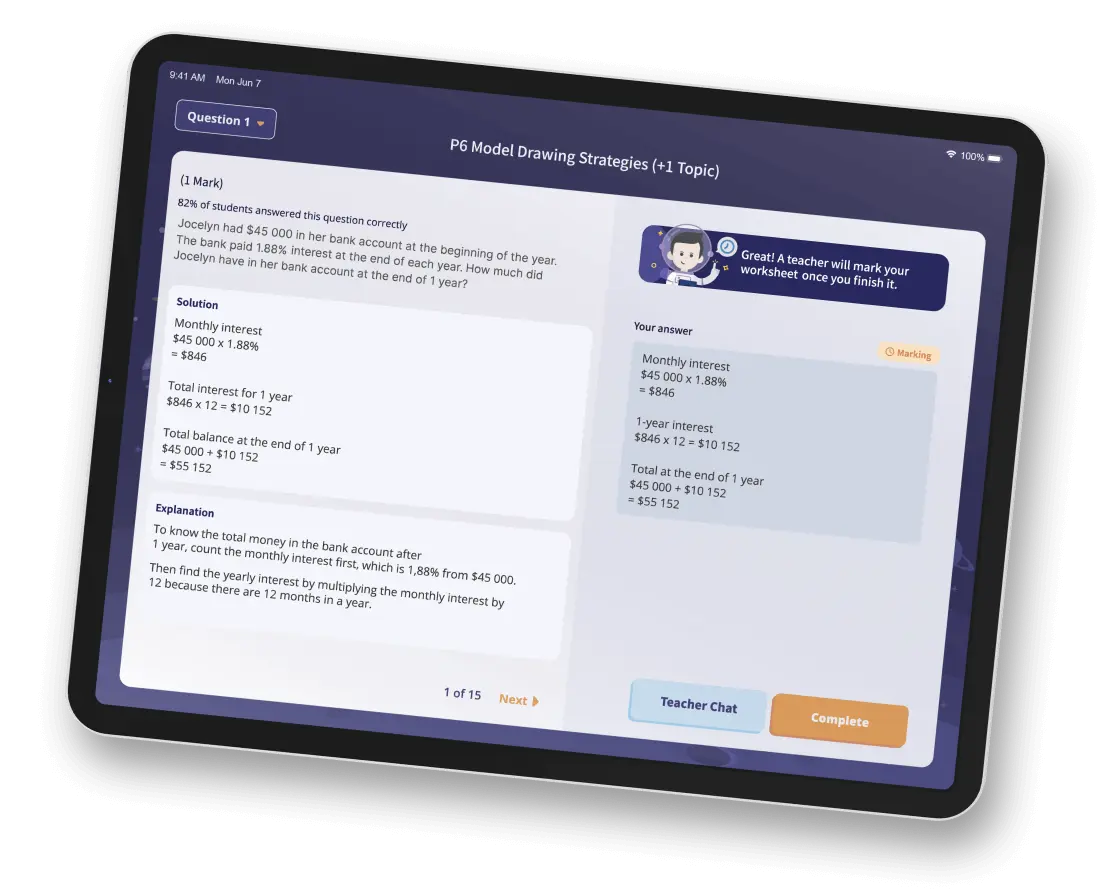
- Interactive Features: Look for built-in whiteboards, file sharing and the ability for students to re-watch lessons. This is key to effective personalised learning, as it allows students to review complex topics at their own pace.
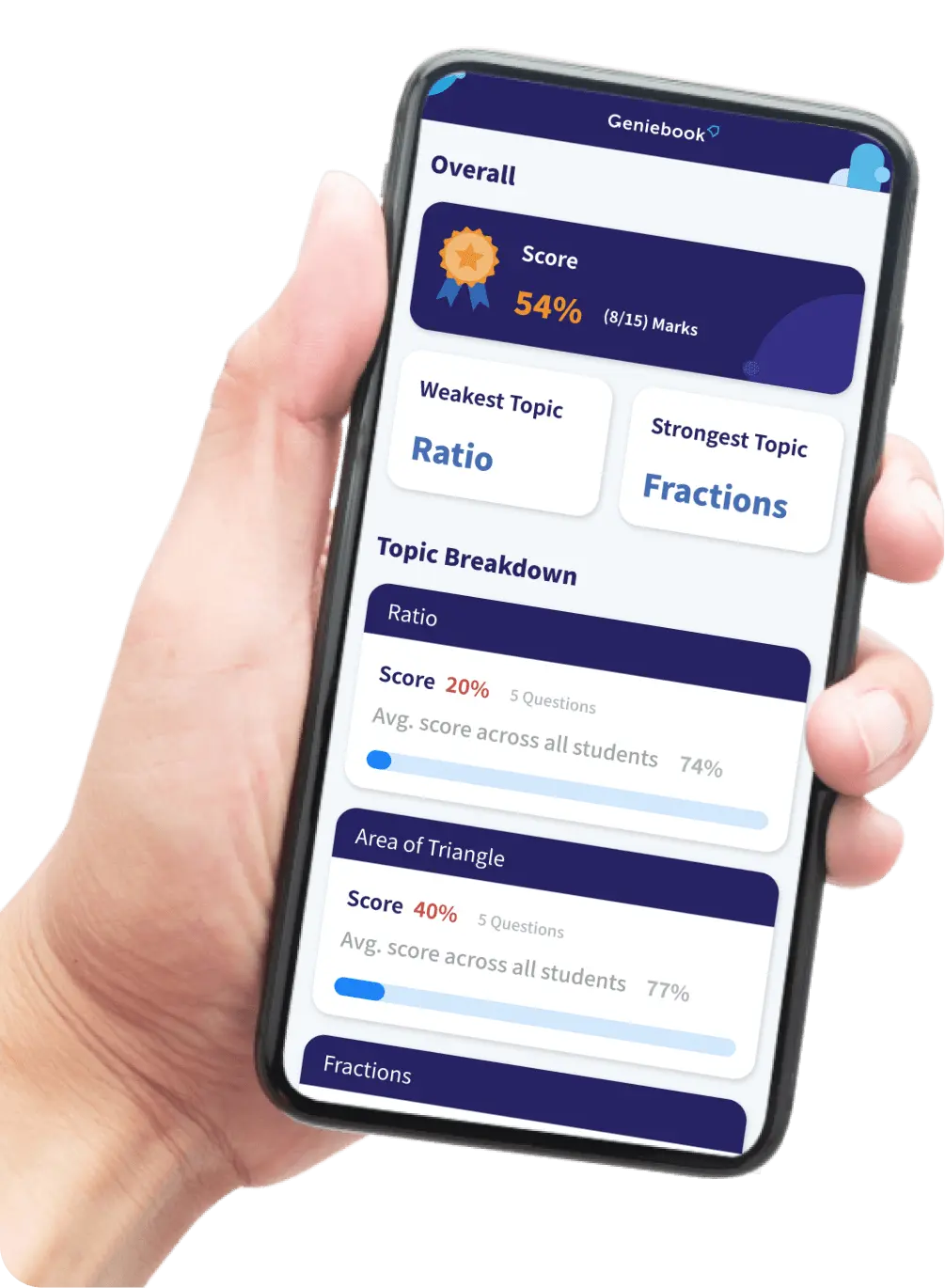
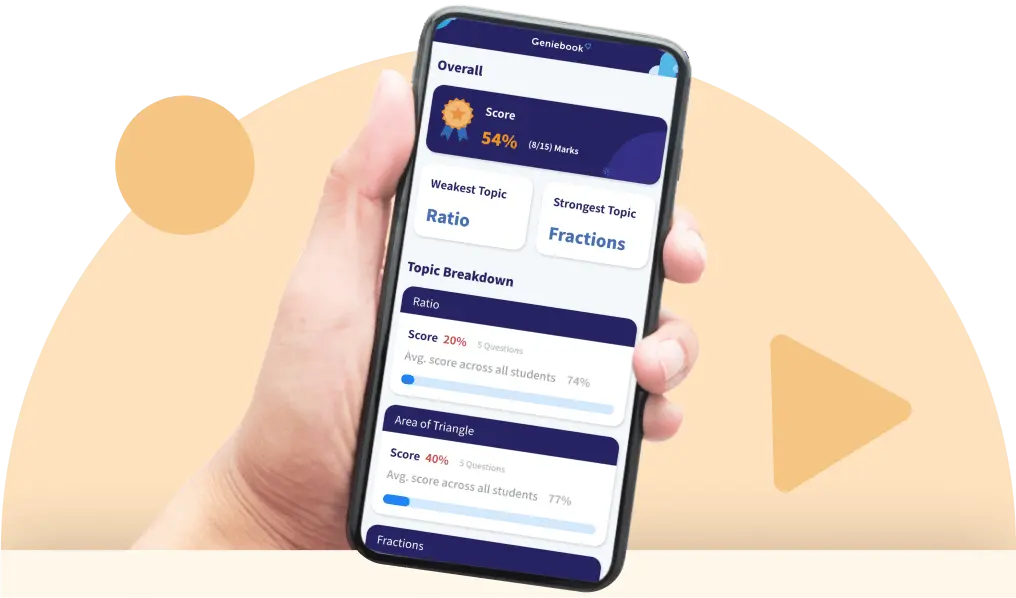
- AI-Powered Support: Platforms like Geniebook use AI to supplement live teaching, offering AI-powered tutors that can provide instant help, reinforcing concepts and keeping your child engaged with the material.
Fix 4: Encourage Peer Accountability With Online Study Groups
For many children, the social element of a classroom is a powerful motivator. You can replicate this online. Encourage your child to form small online study groups with classmates. This is a form of positive online student tutoring where peers hold each other accountable.
Working on a collaborative project or simply having a "study with me" session running in the background can significantly reduce the temptation to get sidetracked. The sense of shared responsibility often succeeds where parental monitoring alone might not. If distraction is most common in a specific subject, like Science tuition online, a subject-focused study group can be particularly effective.
Your 5-Minute Pre-Lesson Checklist
Before any online lesson begins, run through this quick routine to set your child up for success:
- Is the space ready? The study area should be quiet and free of clutter like toys and non-essential electronics.
- Are the tools ready? Open all necessary tabs and applications on the correct screens. Activate the site blocker.
- Is the body ready? Ensure your child has had a snack, a drink of water and a quick washroom break.
- Is the mind ready? Take two minutes for a few stretches or deep breaths to transition from playtime to learning time.
Ultimately, tackling distraction is less about control and more about creating an environment where it's simply easier for your child to focus. By combining smart technology, a structured environment and the right kind of online tuition, you can turn online learning from a source of frustration into a powerful tool for academic growth.
Frequently Asked Questions
Why Can't My Child Focus During Online Tuition Lessons?
Your child may struggle to focus during online tuition primarily because the home environment contains many more potential distractions compared to a physical classroom. A young child's effective attention span is often shorter than a standard online lesson, and the ease of switching to other websites or applications on a learning device creates a significant challenge.
What's the Best Way to Stop My Child From Opening YouTube During Class?
The best way to stop your child from accessing distracting websites like YouTube is to use technology such as browser locks and site-blocking applications. These tools can be set up to allow access only to required learning portals, like their school's Singapore Student Learning Space (SLS) or an online tuition platform, for the duration of the lesson.
How Can I Make Online Learning More Engaging for My Child?
You can make online learning more engaging by choosing the best online tuition platforms that include built-in interactive features like digital whiteboards and engagement tracking. Other effective methods include setting up a dual-screen 'learning cockpit' to keep lesson materials visible, encouraging peer study groups and using platforms that offer AI-powered support for personalised learning.
What Features Should I Look For in Tutoring Services Online to Help a Distracted Child?
When looking at tutoring services online, you should choose a platform that is specifically designed to promote engagement and minimise distraction. Key features to look for include engagement tracking that notifies the live tutor online if a child navigates away, interactive tools like shared whiteboards and the ability for students to re-watch lessons for effective personalised learning.
Is Letting My Child Study With Friends Online a Good Idea?
Yes, encouraging your child to form small online study groups can be a very effective strategy for improving focus through peer accountability. This form of positive online student tutoring recreates the social motivation found in a classroom, and the shared sense of responsibility often helps reduce the temptation to get sidetracked.